
Photo Gallery Hosting Hosting
Home > Features > Screen Shots
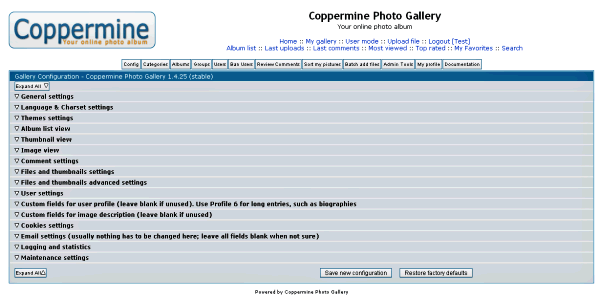
Easily configure all parts of the photo gallery:
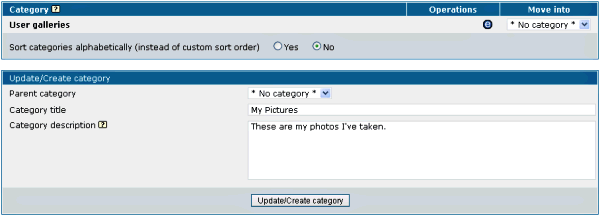
Choose categories or Galleries to put albums in:
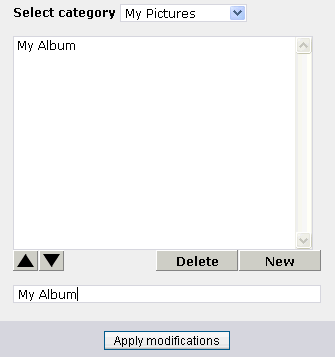
Create albums to categorize your photos or artwork:
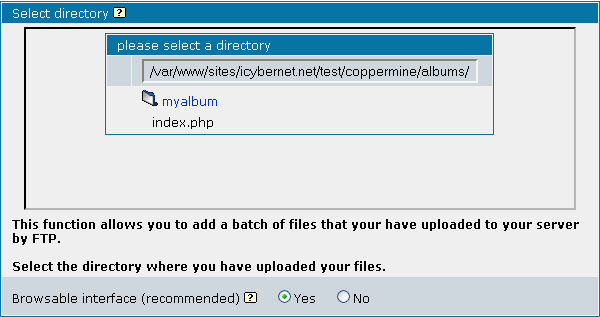
Upload your photos via FTP to a folder in the albums folder
Grant write permissions to new album folder and add your images to coppermine.
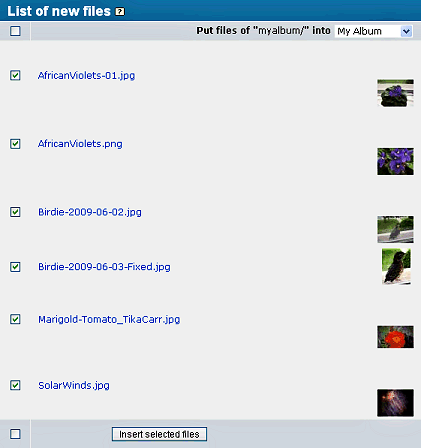
Detected files are shown, with thumbnails automatically created:
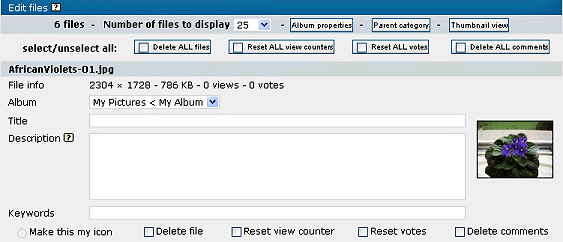
Add a title, description and keywords for your pictures:
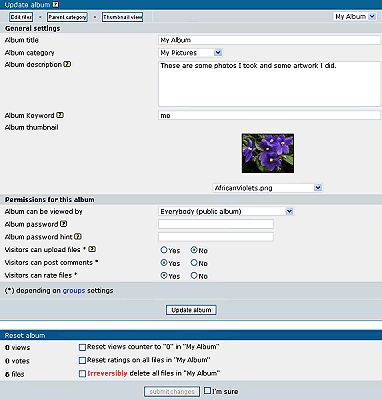
Change album information including default thumbnail:
Visitors can see your latest albums, uploads, pictures:
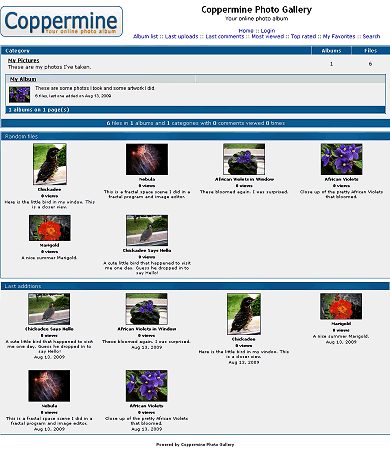
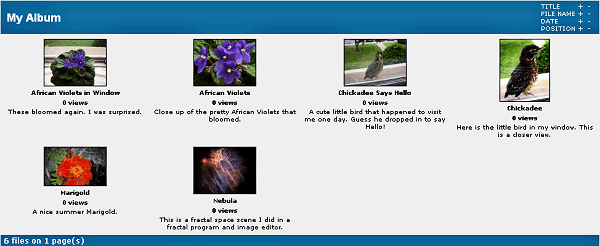
Visitors can view all pictures in an album:
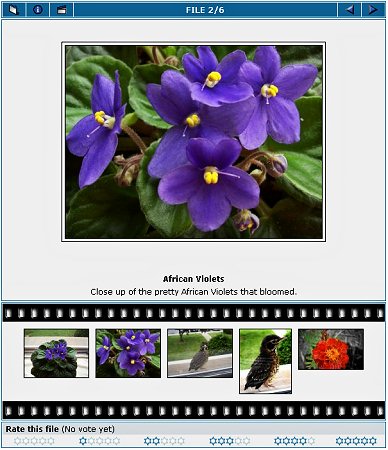
Nice interface for viewing your images:
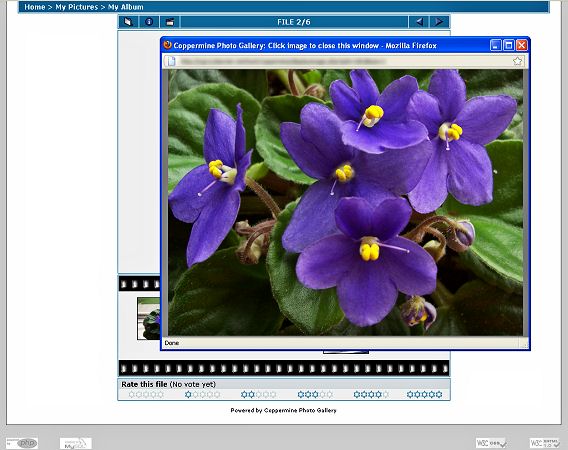
Click on the large image and the visitor gets a full-size image view:
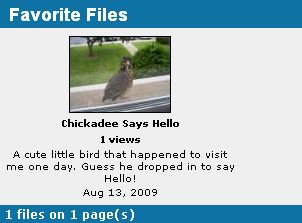
Visitors can mark photos as favorites for later online viewing: